
My Learning Workflow
Introduction
Since starting this system, my ability to recall what I have seen as well as code has greatly improved. Though I have been working on my notes in Obsidian for a while, I genuinely feel like I am learning so much more by leveraging Claude for producing and grading assessments based on my Obsidian notes. For just a few hours a day, I have an effective and fast way to sharpen my skills and get exposure to new concepts in preparation for interviews, side projects, and more.
Setup
My Obsidian Vault is structured something like this:
notes/                  # Self-written notes for topics
 |- react/
 |- leetcode/
 |- data-sci/
 |- ...
practice/               # Where assessments generated by Claude goes
 |- clean/              # Fresh assignments
 |- graded/             # Graded assignments
 |- topic_tracker.md    # Spaced repetition tracker for Claude
instructions.md         # Instructions for Claude to generate assessments
Then, I used this MCP server to allow Claude desktop to connect with Obsidian via. the local REST API community plugin. That’s roughly the main idea of my set up, and there are more in-depth videos (like this one) that show how to fully set this up like I did. Now, to show you how I actually learn with this set up.
Producing a Knowledge Base
The first step of learning is to build up the knowledge base (notes). I treat and write this almost like a personal textbook, and I aim to have everything imaginable in this that I would need in order to succeed as a software developer.
Daily, I will choose the topics that I want to learn based on the gaps there are in my understanding of modern software development as a whole. However, before I actually produce the final note assisted by external sources, I will force myself to write down my understanding of the topic at hand without help. This usually exposes gaps in my knowledge or critical misunderstandings which get more effectively addressed when I later go to produce the final note. That’s pretty much it for this step.
Completing AI-Generated Assessments
Now, this is where things get a lot more interesting. Because I actually want to properly learn what I’m making notes on, I must apply said knowledge somehow and do so without the help of an LLM. I find assessments to be the best way to accomplish this, but I struggled with finding a good way to do this until I realized that I could utilize an LLM to help produce assessments based on my notes.
I created a markdown file instructions.md containing a prompt which Claude processes upon request. The main idea of my prompt is as follows:
- Ask Claude to generate an hour long assessment that contains 10 short answer questions, a code review and a programming exercise, based on the content covered in
notes - Prioritize the topics based on a spaced repetition basis (following the topic tracker), especially highlighting topics that I recently struggled with
- Give further instructions for how to grade my assessment once I completed it, and how to clean up the
practicefolder accordingly
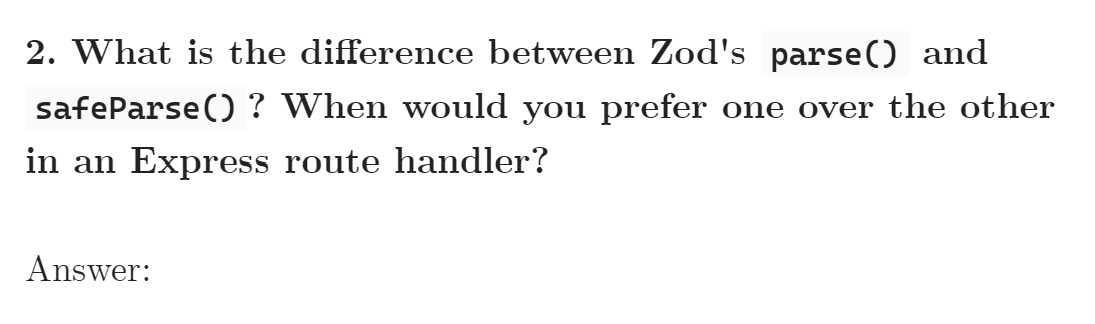
Demonstration


A Concluding Thought
Additionally, I do want to point out that it is almost frightening how much we can offload our thinking and skills to LLM when we utilize them for work. For me, writing my notes and being able to complete these assessments has helped me feel more confident of my abilities despite leaning more into LLMs to complete work faster, especially since I genuinely feel dumber whenever I use an LLM to help me out with work. LLMs are incredibly important in today’s age, but how we use them is even more so.